Payday in the UAE is a great feeling, but the chore that comes right after? Not so much. For most expats, getting paid means immediately rushing to an exchange house, taking a token, and standing in a massive line just to send your hard-earned dirhams back to your family.
But if your employer pays your salary onto a First Abu Dhabi Bank (FAB) MyPay My Card, you’re holding a massive shortcut in your wallet.
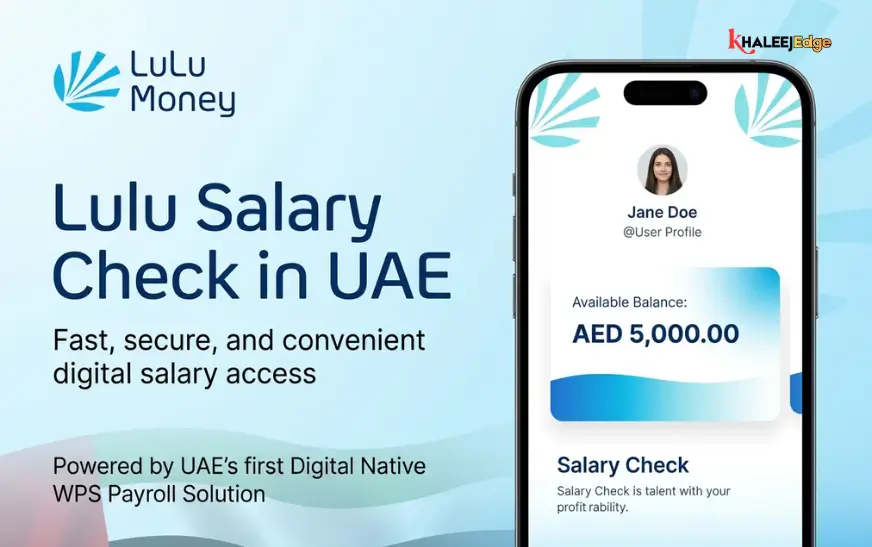
You don’t need to stand in line anymore. By pairing your MyPay card (which is part of the Ratibi system) with the LuLu Money app, you can send your salary home while sitting on the sofa, riding the metro, or taking your lunch break.
If you’ve never used a digital remittance app before, it can feel a little nerve-wracking to hit “send” on your phone. But it’s incredibly secure once you know how it works. Let’s walk through exactly how to set up the app, link your salary card, and get your money home safely.
What You Need to Know About Your MyPay Card
A lot of people think their MyPay card is just a plastic key to get cash out of a FAB ATM. It’s actually much more than that.
The MyPay My Card is a prepaid payroll card designed to comply with the UAE’s Wage Protection System (WPS). It’s perfect for workers who might not meet the minimum salary limits to open a standard checking account.
Here’s the secret: because your MyPay card runs on major global payment networks (usually Mastercard or Visa), it acts exactly like a standard debit card when you use it online. That means any registered, legal remittance app in the UAE that accepts debit card payments can process a transfer directly from your card balance.
One quick requirement: If you just got the card from your HR department, you need to activate it at a FAB ATM first and set up your PIN. Once it’s active and your salary is loaded, you’re ready to go digital.
Setting Up the LuLu Money App
LuLu Exchange is a household name in the Middle East. You’ve probably seen their bright red branches in every major mall. Their LuLu Money app basically puts one of those branches inside your phone.
Here is how to get your account set up the right way:
1. Download the Real App
First things first—head straight to the Apple App Store, Google Play Store, or Huawei AppGallery and search for “LuLu Money.” Make sure the developer is officially listed as LuLu Exchange. Never download a finance app from a random link someone texts you on WhatsApp.
2. Register Your Phone Number
Open the app and hit sign up. You’ll need to put in your active UAE mobile number. The app will immediately text you a One-Time Password (OTP) to verify that you actually own the phone. Pop that code in, enter a valid email address, and you’re onto the next step.
3. Scan Your Emirates ID
The UAE Central Bank doesn’t mess around with international money transfers, so identity verification is strictly enforced. You can’t skip this.
- Grab your physical Emirates ID.
- The app will guide you to take a clear photo of the front and back of the card.
- Next, it will ask you to take a quick selfie. This biometric check just proves that the person holding the phone is the same person on the ID.
Usually, the app verifies you instantly. Sometimes, it might take a few hours for their team to manually approve the profile. Once you get the green light, you’re in.
Linking Your MyPay Card (and a Warning About Balances)
Before you can send money, you have to tell the app where the money is coming from.
Open the app menu and look for “My Cards” or “Payment Methods.” Tap on “Add New Card.” You’ll need to type in the 16-digit number across the front of your MyPay card, the expiration date, and the 3-digit security code (CVV) on the back.
Here is a massive tip that saves a lot of headaches: The LuLu app cannot see your MyPay card balance. It only tries to pull the amount you tell it to pull. If you try to send 1,500 AED, but you only have 1,480 AED on the card, the transaction will fail. Even worse, if you try it too many times, the bank might temporarily block your card for suspicious activity.
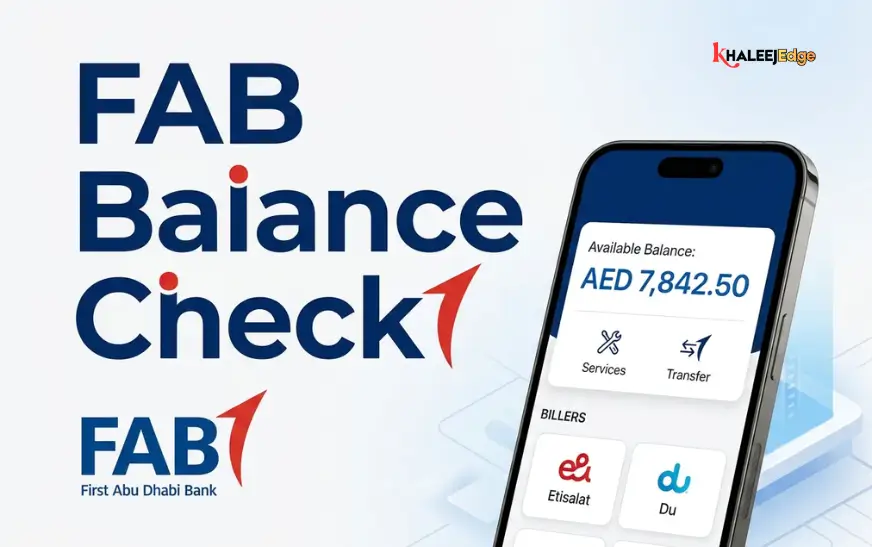
Always double-check your exact balance at a FAB ATM or through the Payit app before you open LuLu Money. Remember to leave enough in your balance to cover the transfer fee!
Step-by-Step: Sending Your First Transfer
Alright, your ID is verified, your card is linked, and you know your balance. Let’s send some money.
Step 1: Start the Process Open the LuLu app dashboard and tap the big “Send Money” button.
Step 2: Add Your Family’s Details (The Beneficiary) If it’s your first time, you need to add the person receiving the money. Pick their country (India, Pakistan, Philippines, Bangladesh, etc.) and choose how they will get the cash:
- Bank Transfer: The money goes straight into their bank account.
- Cash Pickup: They can pick up physical cash at a local partner bank or exchange house.
- Mobile Wallet: If they use GCash, bKash, JazzCash, or similar apps, you can send it right to their phone.
Type in their name exactly as it appears on their government ID. Add their bank account number and the routing/IFSC code. Double-check everything. One wrong number means the money bounces back, which delays everything by days.
Step 3: Enter the Amount Type in how many dirhams you want to send. The app will instantly calculate the live exchange rate and show you exactly what your family will receive. It will also show you the transfer fee upfront, so there are no surprises.
Step 4: Pick Your MyPay Card When the app asks how you want to pay, select the Debit Card option and tap the MyPay card you saved earlier.
Step 5: The Security Check (OTP) This is the most important part. FAB will send a text message to your phone with an OTP to confirm that you actually want to spend this money. Enter that code into the LuLu app to authorize the payment.
Step 6: Get Your Receipt A few seconds later, the screen will confirm the transfer and give you a transaction reference number. You’ll also get an email receipt. Screenshot this page or save the email—you’ll need that number if you ever need to track the money.
Why Doing It This Way is So Much Better
Once you send money digitally for the first time, you’ll wonder why you ever stood in line at the mall.
- You control the timing: You can send money at 2:00 AM on a Tuesday or from your bed on a Sunday morning.
- Catch the best rates: Exchange rates change all day long. In the app, you can set an alert. If you’re waiting for the Rupee or Peso to hit a specific high, the app will ping you, and you can lock in the transfer right then and there.
- It’s ridiculously fast: Depending on how you send it (especially to mobile wallets), your family can literally receive the money a few minutes after you hit send.
Keep Your Money Safe (Don’t Get Scammed)
Scammers love targeting expats in the UAE, especially around payday. Keep yourself safe by following a few non-negotiable rules:
- Your OTP is a secret: The text message code you get during a transfer is the key to your bank account. LuLu Exchange, FAB, and the Dubai Police will never call you to ask for your OTP. If someone calls saying your card is blocked and they need the code to fix it—hang up. It’s a scam.
- Protect your PIN: Never write your ATM PIN on the card, and you will never need to type your ATM PIN into a website or app.
- Don’t panic over delays: If the app says “Successful” but your family hasn’t seen the money after a day, don’t freak out. Sometimes public holidays or weekends in the receiving country slow down the banks. Just use the app’s “Track Transaction” tool to see exactly where the money is sitting.
Frequently Asked Questions (FAQ)
1. Do I need a regular bank account to use the LuLu Money app?
Nope. As long as you have a UAE phone number, a valid Emirates ID, and a funded prepaid card like the MyPay My Card, you can use the app without a traditional bank account.
2. Is there a fee to add my MyPay card to the app?
No, linking your card and setting up your profile is 100% free. You only pay a fee when you actually hit “send” on a money transfer.
3. How fast does the money arrive?
If you send it for a cash pickup or to a mobile wallet (like bKash or GCash), it’s usually there in minutes. Direct bank transfers usually take a few hours, but can take up to two business days depending on the banks back home.
4. What if my transfer fails, but the money is gone from my card?
Don’t panic; this happens sometimes if the internet connection drops between the bank and the app. The system usually spots the error and automatically refunds the money to your MyPay card within 3 to 5 working days. If you’re worried, call LuLu customer support with your reference number.
5. How much money can I send at one time?
Your app profile will have a specific tier limit based on your ID verification, and some countries have limits on how much they can receive. But practically speaking, your limit is whatever amount of salary is currently sitting on your MyPay card.
6. Can I send money straight to a mobile wallet?
Yes! LuLu Money connects to major digital wallets across Asia and Africa. Just select “Mobile Wallet” when you add your family member’s details and type in their registered phone number.
7. My Emirates ID just expired. Can I still send money?
No. UAE law requires a valid ID for all financial transfers. If your Emirates ID expires, the app will temporarily freeze your ability to send money until you upload a photo of your renewed ID.
8. Why did the app decline my card when I know I have enough to cover the transfer?
Did you forget about the transfer fee? If you want to send 1,000 AED and the fee is 15 AED, you need at least 1,015 AED on the card. If you only have 1,000 AED exactly, the transaction will bounce.
9. Can I borrow my roommate’s MyPay card to send money on my LuLu app?
Absolutely not. The name on the debit card has to perfectly match the name on your Emirates ID (which is verified in the app). If you try to use someone else’s card, the system will block the transaction for security reasons.
10. What do I do if I change my UAE mobile number?
Because your phone number gets all your security OTPs, you need to update it in the app’s settings immediately. The app might ask you to re-verify your identity with your Emirates ID just to make sure a hacker isn’t trying to hijack your account.