
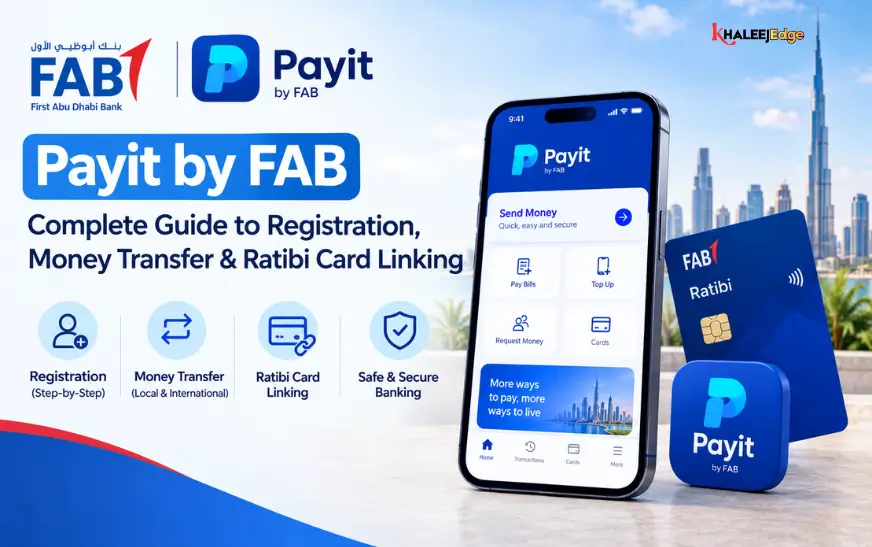
Let’s be honest: sorting out your finances when you’re new to the UAE—or just tired of the usual banking headaches—can feel like a second job. Between hunting down physical exchange houses, waiting in endless weekend queues, and trying to keep track of various fees, managing your own hard-earned cash used to be unnecessarily complicated.
Thankfully, things are changing fast. The UAE is pushing hard toward a secure, cashless digital economy, and mobile wallets have completely changed how people handle their money.
If you’ve heard about Payit—the UAE’s first fully featured digital wallet backed by First Abu Dhabi Bank (FAB)—and want to know how it actually works in real life, you’re in the right place. Whether you’re looking to cut down on remittance fees, manage your daily lifestyle expenses, or finally get a handle on your Ratibi card right from your phone, here is the real-world, step-by-step breakdown of how to make it work for you.
What is Payit, and Do You Actually Need It??
Think of Payit as a secure financial hub that lives right on your phone. Regulated strictly by the Central Bank of the UAE, it’s designed to bridge the gap for everyone—whether you already have a traditional bank account or you’re an unbanked resident looking for a safer alternative to carrying cash.
The Two Main Account Flavors
- The Universal Account: Perfect for anyone living in the UAE with a valid Emirates ID. It sets you up with an instant virtual IBAN, has zero minimum balance rules (meaning no surprise penalty fees), and lets you load and spend money right away.
- The Plus Account: Built for people who plan to route their main funds or salaries directly into the ecosystem. It unlocks higher transaction limits, extra perks, and easy cash access points.
The Letsgo Payit Card (Visa & Jaywan)
An app is great for bills and transfers, but what about buying groceries or shopping online? That’s where the Letsgo card comes in. You get a virtual card instantly inside the app, and you can order a physical card to use at millions of point-of-sale (POS) terminals and ATMs worldwide.
Setting Up Your Payit Wallet (Without Losing Your Mind)
The best part about getting started? You don’t need to dress up, drive to a branch, or sit across a desk from a bank teller. The entire registration happens on your phone.
What You Need First
Before you tap that download button on the Apple App Store, Google Play Store, or Huawei AppGallery, make sure you have:
- A valid, unexpired Emirates ID.
- An active UAE mobile number registered under your name.
- A decent internet connection.
The Quick Onboarding Steps
- Download and Open: Fire up the app and choose whether you’re signing up for a standard account or linking straight from a Ratibi payroll card.
- Scan Your Emirates ID: Point your camera at the front and back of your ID. The app reads the text automatically so you don’t have to type out all your details by hand.
- Face Verification: Follow the quick on-screen prompts for biometric verification. It will ask you to record a short video while speaking a few random numbers out loud to prove you’re a real human.
- Secure Your Account: Enter the OTP sent to your phone and lock it down with a secure 4-digit mobile PIN.
How to Add Money?
Once your profile is up and running, funding your wallet is straightforward. You can top up using a local UAE bank transfer, a debit card, FAB Cash Deposit Machines (CDMs), or by routing your salary directly into the app.
How to Link Your FAB Ratibi Card to Payit?
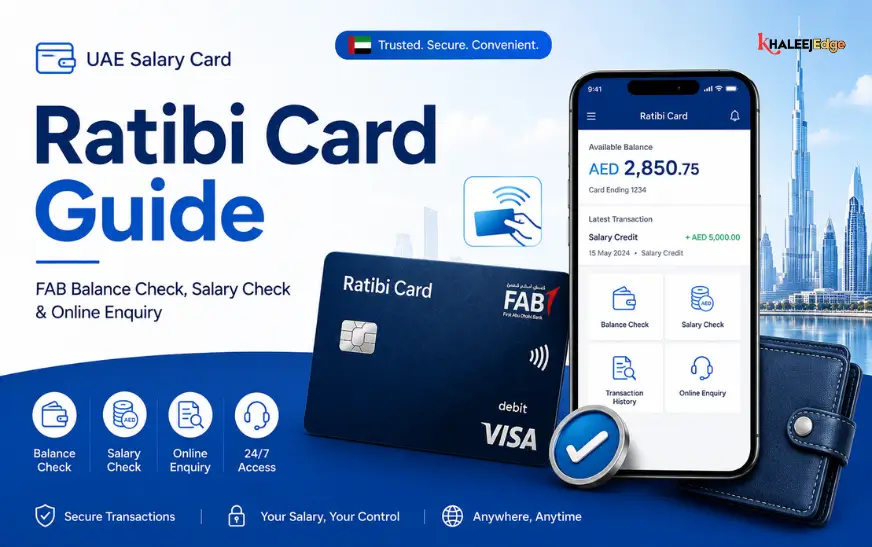
If you’re one of the hundreds of thousands of people in the UAE whose monthly salary lands on a Ratibi Card (FAB’s WPS-compliant payroll prepaid card for earnings up to AED 5,000), you already know the old routine: checking your balance meant paying small SMS fees or walking to a dusty ATM just to see if your money had arrived.
Linking your Ratibi card to Payit completely fixes this annoyance.
How to Link It?
- Select the “Ratibi Card Holder” option during your initial setup (or look for the card linking menu in your settings).
- Enter your Emirates ID details and confirm your mobile number.
- Type in the last 4 digits of your Ratibi card and the unique Card ID printed on the plastic.
- Confirm everything with the secure SMS OTP.
Why Ratibi Users Love This Combo
- Free, Instant Balance Checks: You can finally check your live balance and see your full transaction history right inside the app for free—no more wasting money on SMS inquiries or ATM trip fees.
- Money on Demand (Salary Advance): Caught in an emergency mid-month and need cash before payday? Eligible Ratibi users can apply for an instant cash advance of up to 50% of their salary right through the app, with 24/7 approvals.
- Instant Salary Alerts: Get a push notification the exact second your employer processes your payroll. No more guessing or walking to an ATM just to check.
Sending Money: Locally and Back Home
One of the biggest pain points for expats is sending money home without losing half of it to bad exchange rates and hidden intermediary fees. Payit handles this pretty smoothly.
Sending Money Internationally
- Where It Goes: You can send funds to over 200 countries and territories.
- Payout Options: Send money straight to overseas bank accounts, mobile wallets, or cash-pickup locations.
- The Process: Pick the destination country, plug in your beneficiary details, check the live exchange rates and clear fee breakdown right on the screen, and lock it in with your PIN.
Local Transfers & Splitting Bills
- Wallet-to-Wallet: Sending money to a friend who also uses Payit is instant and free—you just need their mobile number or a quick QR code scan.
- Local Bank Transfers: Move cash safely to any UAE bank account using local clearing.
- Split Bills: Out to dinner with coworkers? Use the app to split the bill or request money from people without awkward reminders.
- Cardless ATM Withdrawals: Need physical cash fast but forgot your card at home? You can withdraw cash from any FAB ATM using just your phone.
Daily Life Utilities: Bills, Shopping, and More
Payit isn’t just for moving money around; it’s genuinely useful for daily chores around the UAE:
- Bills & Utilities: Pay your Etisalat (e&), du, DEWA, SEWA, Salik, Mawaqif, and NOL card top-ups in a couple of taps.
- QR Shopping: Scan and pay at thousands of partner retail shops, supermarkets, and restaurants across the country.
- Odd Jobs & School Fees: Easily pay domestic helper wages, school tuition, or handle other recurring local expenses.
Security and Quick Fixes for Common Hiccups
Because it’s tied to your money, security is tight. Payit uses multi-factor authentication, biometric logins, and heavy encryption to keep your funds safe.
- Lost Your Card? If you misplace your Letsgo or Ratibi card, don’t panic. You can instantly freeze it with a single tap inside the app so nobody else can use it.
- Registration Glitches: If your Emirates ID scan keeps failing, check your lighting. Move away from harsh glares, place the card on a dark flat surface, and wipe your phone camera lens.
- Ratibi Not Linking? If the system rejects your Ratibi card, make sure the mobile number you’re using matches the one your employer has on file with HR. If you’re stuck, you can always call FAB support at 600 525 500.
Frequently Asked Questions (FAQs)
Do I need a traditional UAE bank account to use Payit?
No. Payit is open to all UAE residents. All you need is a valid Emirates ID and a working mobile number.
Are there any monthly maintenance or minimum balance fees?
Nope. Payit is a zero-balance digital wallet, so you won’t get hit with unexpected fees for keeping a low balance.
How do I check my Ratibi card balance through the app?
Once you link your Ratibi card during setup, your real-time balance shows up right on your home screen every time you open the app.
What is “Money on Demand” for Ratibi cardholders?
It’s a built-in salary advance feature that lets eligible users draw up to 50% of their earned salary early if an unexpected expense pops up mid-month.
How long do international transfers take?
Most digital wallet and bank transfers happen instantly or within a few minutes, though it can vary slightly depending on the destination country’s banking hours.
Can I use Payit for online shopping?
Yes. You can use your virtual Letsgo card details at checkout on e-commerce sites just like a regular debit card.
Is Payit officially regulated?
Yes. It is backed by First Abu Dhabi Bank (FAB) and fully regulated by the Central Bank of the UAE.
What if my Emirates ID scan won’t go through?
Make sure your camera lens is clean, avoid bright reflections on the card surface, and try placing it on a dark, flat table.
Can I pay for Salik or Mawaqif parking with Payit?
Yes, you can top up your Salik, Mawaqif, and public transit cards directly inside the bill payment tab.
Who do I call if something goes wrong with my account?
You can chat with support directly through the app’s help center or call the main FAB customer support hotline for assistance.