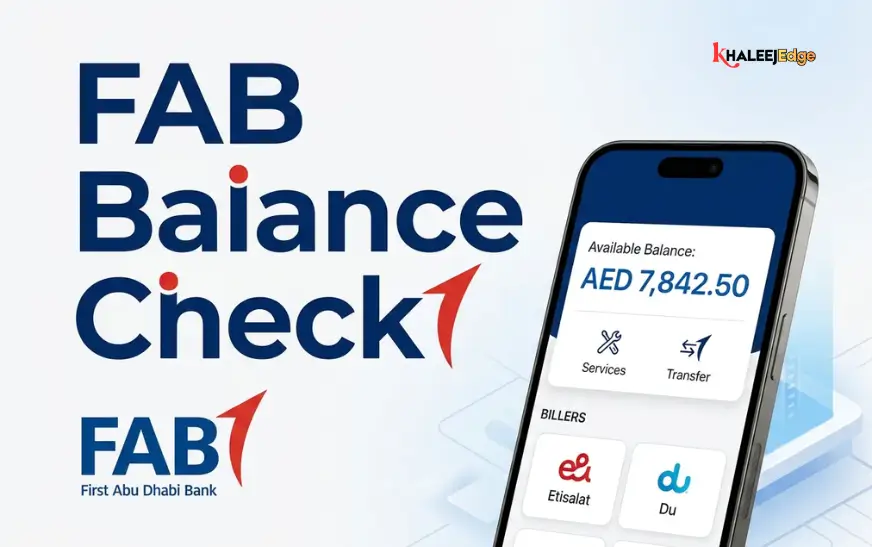
If you’re searching for an NBAD bank balance check in UAE, here’s the short answer: National Bank of Abu Dhabi no longer operates as a separate bank. It merged with First Gulf Bank to form First Abu Dhabi Bank (FAB), so an old NBAD account is now a FAB account. The quickest way to see your balance is the FAB Mobile app. You can also use FAB Online Banking, an ATM, the Ratibi prepaid card portal (for salary cards) or the contact centre.
This guide covers each method, what you need, which one suits which situation, and how to avoid the fake “NBAD balance” pages that appear in search results.
Why “NBAD” Now Means FAB
NBAD and First Gulf Bank merged in 2017 to create FAB, which is majority-owned by Abu Dhabi government entities. Many residents still say “NBAD” out of habit, especially if they’ve held the same card or salary account for years.
In practice this means:
- There is no separate NBAD app or NBAD online banking site to log in to.
- Your existing account number, IBAN and card keep working, but you manage them through FAB channels.
- Any website offering an “NBAD balance login” that isn’t a .com address deserves suspicion.
Which Balance Check Method Should You Use?
| Method | Best for | What you need | Works without internet? |
| FAB Mobile app | Everyday checks | Registered app, smartphone | No |
| FAB Online Banking | Desktop use, statements | Online banking credentials | No |
| FAB ATM | Quick check on the go | Debit card and PIN | Yes |
| Ratibi portal | Prepaid salary cardholders | Card details | No |
| Contact centre | Problems or no app access | Phone, identity verification | Yes (needs phone line) |
| Branch | Complex queries | Emirates ID, card | Yes |
Check Your Balance on the FAB Mobile App
For most people this is the fastest option. FAB describes its app as a way to check balances, pay bills and manage debit and credit cards. It works on iPhone and Android, and the bank also lists Huawei AppGallery as a download source.
What You Need Before You Start
According to FAB, existing customers need their Customer Number (emailed to the registered address) or a debit or credit card number, plus a smartphone and a secure connection. Registering also requires an Emirates ID and a video selfie, and online banking transactions must then be approved through the app.
Step-by-Step
- Download FAB Mobile from your official app store. Use the links on .com rather than a link sent by message.
- Register using your customer number or card number and complete the identity verification.
- Set up your PIN or biometric login.
- Open the app. Your accounts and cards appear on the home screen with their balances.
- Tap an account to see recent transactions.
Useful Extras Once You’re In
The app lets you set card controls to switch in-store, online, international or ATM transactions on and off. You can also set travel alerts, and FAB says the app now includes real-time alerts and spending insights. Real-time alerts help you spot an unexpected deduction without opening the app.
If you lose your phone, call the contact centre right away so access can be secured.
Check Your Balance Through FAB Online Banking
If you prefer a laptop, or want to download a statement, use the FAB Online Banking login page. FAB lists “Personal Online Banking (UAE)” under its Login menu, and it opens at online..com.
- Type .com into your browser yourself, or use a bookmark you created earlier.
- Choose Login, then Personal Online Banking (UAE).
- Enter your credentials and approve the sign-in as prompted. Because FAB now routes approvals through the mobile app, keep your phone nearby.
- Your account summary shows balances. Open an account for transactions and statements.
Menu labels change when banks redesign their portals, so treat these steps as a general path rather than a screen-by-screen script. Always check that the address starts with .com or online..com before entering anything.
Check Your Balance at an ATM
An ATM is the simplest option when you have no internet or your phone battery has died. The sequence is similar on most UAE machines:
- Insert your debit card.
- Enter your PIN.
- Choose the balance enquiry option.
- Select the account if you hold more than one.
Menu wording can differ between machines, so follow the on-screen prompts. FAB has a branch and ATM locator on its site if you need the nearest machine.
One practical caution: using another bank’s ATM may involve a fee. I couldn’t verify FAB’s current charges for this, so check the bank’s published Personal Banking Fees document before relying on a partner ATM.
Ratibi and Prepaid Card Balance Enquiry
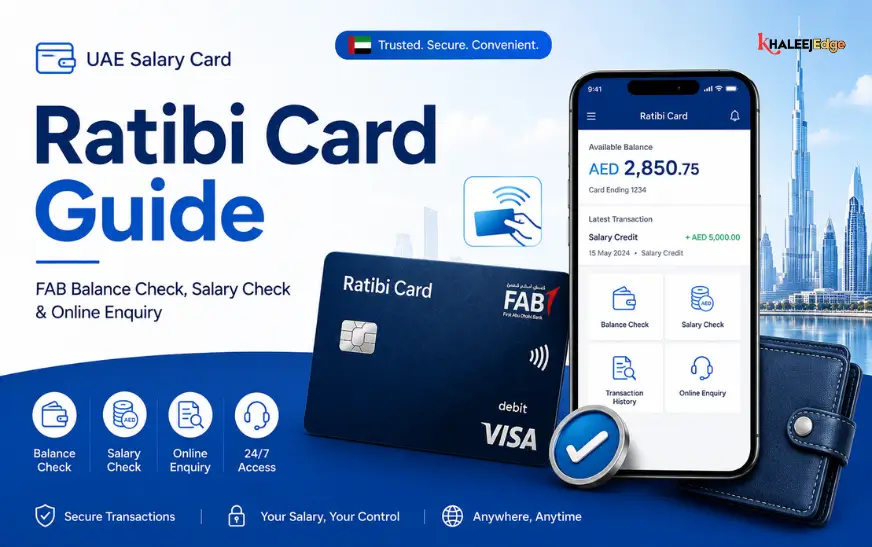
Many salaried workers in the UAE receive pay on a Ratibi prepaid card rather than into a standard current account. FAB’s site has a dedicated link for it, labelled “Ratibi Prepaid Card Balance Enquiry”. FAB’s prepaid card page also says cardholders get free online balance enquiry through the Magnati portal.
The portal asks for specific card details, and the required fields can change, so follow the form itself rather than a third-party blog’s description. You can also check at an ATM, and FAB’s page says prepaid cardholders can set their own PIN at FAB ATMs.
If you manage prepaid cards for staff, the same link applies. Each employee should check their own card, since you shouldn’t need or hold anyone else’s card details.
Phone Banking and Branch Visits
When an app or portal isn’t working, or you suspect a problem, you can call FAB. Its contact centre number is 600 52 5500 within the UAE and +971 2 681 1511 from abroad.
For in-person help, bring your Emirates ID and your card. Branch staff can confirm your balance and print statements, which is useful when a landlord, embassy or visa process asks for proof of funds.
I haven’t confirmed whether FAB currently offers balance enquiries by SMS or WhatsApp. Several third-party sites claim it does, but none cited an official FAB source. Check with the contact centre before telling readers to use those channels.
Keep Your Account Safe While Checking
Searching for banking help online is a common way people land on scam pages. FAB’s fraud guidance is blunt on the main points: never share your OTP, PIN, CVV or card details with anyone, and verify the full website address because fake sites often use subtle spelling changes. The bank also warns against acting on calls or messages claiming to come from police, the bank or government, and against downloading apps or granting remote access on someone’s request.
A short checklist:
- Install the app only from official stores.
- Type the bank’s address yourself instead of tapping links in messages.
- Avoid checking your balance on public Wi-Fi.
- Turn on transaction alerts so unusual activity is obvious.
- If something looks wrong, call FAB’s contact centre at once. The bank says suspected fraud can also be reported to the UAE Banks Federation.
Troubleshooting Common Problems
Why does my balance look lower than expected?
Banks usually distinguish between the ledger balance (the total after posted items) and the available balance (what you can actually spend after pending card authorisations and holds). A recent card purchase may reduce your available amount before it fully posts. If a figure still doesn’t match your records, review the transaction list, then contact the bank.
What if I can’t log in to the app?
FAB suggests updating the app or trying again later, and getting in touch if the problem continues. If you’ve forgotten your PIN, the login screen has a “Forgot PIN” option that guides you through unlocking access.
What if I still hold an old NBAD card?
Check the expiry date and look at the bank name printed on it. If it’s expired or you’re unsure it’s still active, ask FAB about replacement. Don’t assume an old card still works at every terminal.
Frequently Asked Questions
Is NBAD still a bank in the UAE?
No. It merged with First Gulf Bank and now operates as First Abu Dhabi Bank. Accounts that began as NBAD accounts are served through FAB’s channels.
Is it free to check my balance?
FAB says you can download the mobile app and use most services free, though certain transfers cost money. Fees for ATM enquiries, especially at another bank’s machine, should be confirmed in FAB’s current fee schedule.
Can I check my balance from outside the UAE?
FAB says you can log in to the app abroad if you have Wi-Fi or roaming data. Your mobile operator may charge for roaming, so Wi-Fi is usually cheaper.
How do I check my Ratibi card balance?
Use the Ratibi Prepaid Card Balance Enquiry link on .com, which leads to a portal run with Magnati. You can also use an ATM.
Can I use more than one phone?
FAB allows registration on up to three devices.
Final Thoughts
Checking a balance that used to be an NBAD account is now a FAB task. For daily use, set up FAB Mobile and enable alerts. Keep ATMs for offline moments, use the Ratibi portal if you’re paid on a prepaid card, and call 600 52 5500 when something doesn’t add up.
Before you tap any link, confirm it leads to an official .com address. If you haven’t registered for FAB Mobile yet, do it this week using the bank’s own download links, so you aren’t searching for help during an urgent moment.