
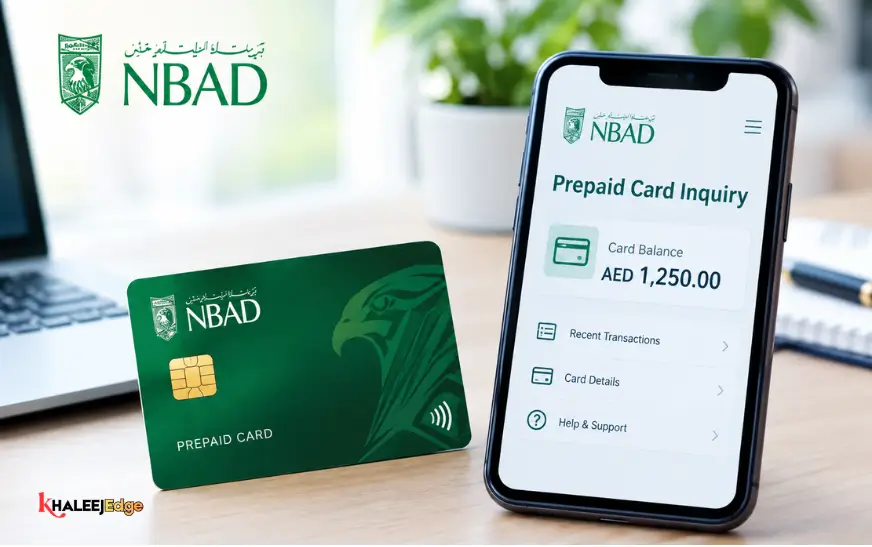
If you work or live in the UAE, you know that keeping an eye on your prepaid or salary card is part of everyday life. Whether you are checking if your company sent your wage, making sure you have enough to pick up groceries, or double-checking an unusual transaction, you just want an answer without jumping through hoops.
The problem? Searching for an NBAD prepaid card inquiry usually lands you on outdated pages, broken links, or guides referencing services that moved years ago.
Here is what is actually going on, how to check your balance right now on your phone or in person, and how to sort things out if your card acts up.
1. First Things First: Why Does Everyone Say “FAB” Now?
If your card still says NBAD on the front, you might wonder why you keep getting sent to FAB websites.
A few years ago, the National Bank of Abu Dhabi (NBAD) and First Gulf Bank (FGB) merged to become First Abu Dhabi Bank (FAB). When that happened, all the old NBAD computer systems, ATMs, and card tools moved over to FAB.
If your card hasn’t expired, you can still use it anywhere that takes it. Just remember that the website, app, customer helpline, and payment processing (handled by FAB’s payment company, Magnati) now carry the FAB name.
2. A Quick Look at the NBAD / Ratibi Prepaid Card
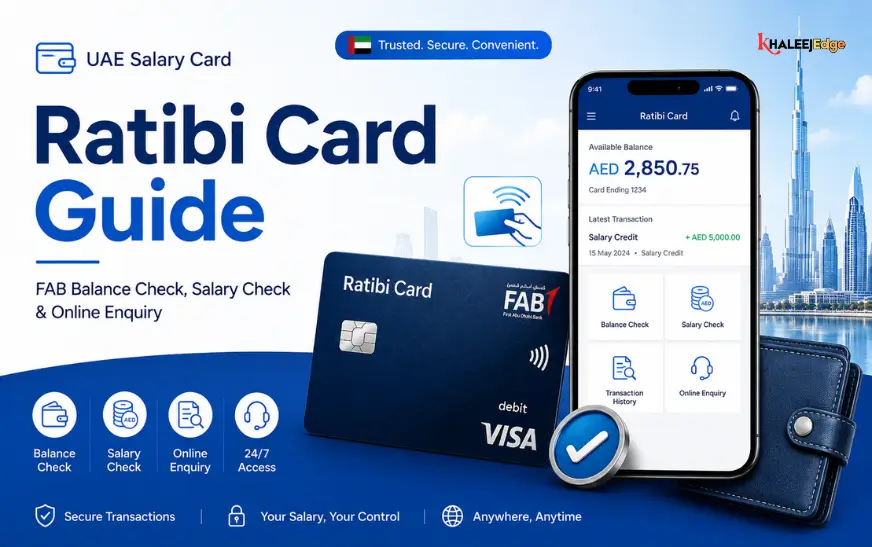
Most people with an NBAD prepaid card have what is officially called a Ratibi Card.
These cards were created under the UAE government’s Wages Protection System (WPS). They make it simple for workers earning under the standard AED 5,000 threshold to receive their salary safely on a card without needing to maintain an expensive bank account.
A Few Perks Worth Knowing:
- No minimum balance fees: If your balance hits zero right before payday, nobody charges you a penalty.
- Everyday spending: You can swipe or tap at supermarkets, restaurants, and shopping malls, or order online wherever Visa or Mastercard is accepted.
- Free cash withdrawals: You can pull out cash for free at any FAB ATM across the Emirates.
- SMS salary alerts: You get an automatic text whenever your company puts money onto the card.
What to Grab Before You Start?
To check your balance through any channel, keep these three items nearby:
- Your card number: The 16 digits across the front.
- Your Card ID: A separate code printed in the bottom-left corner of the card.
- Your 4-digit ATM PIN: The secret number you type at the cash machine.
3. Method 1: The Magnati Online Portal (Fastest, No Password Needed)
If you have a smartphone or a laptop and want an answer in 30 seconds, use the official Magnati PPC Inquiry portal. You do not need to register, make a username, or remember a password.
What the Screen Asks For
| Field Name | What It Means | What It Looks Like | Where to Find It |
| Last 2 or 4 Digits of Card No | The final numbers of your main card | 7890 | Front center of your card (the very end) |
| Card ID | The individual card tracking code | A000123456 | Front bottom-left corner |
| Captcha Code | Letters and numbers to prove you’re human | 8K2W | Shown right there on the screen |
| Submit Button | Sends the request | Click Go | At the bottom of the form |
Step-by-Step:
- Go to the official balance inquiry page.
- In the top box, type in the requested last digits of your card number.
- In the second box, type your Card ID exactly as it appears on your card (don’t put any extra spaces).
- Type the security letters shown in the box.
- Click Go.
Your balance will pop up on the screen right away, alongside your card’s current status and your recent spending history.
4. Method 2: Check via Smartphone Apps (FAB Mobile & Payit)
If you like seeing your balance regularly, tracking receipts, or sending money home, an app makes life much easier.
Option A: The FAB Mobile App
This is the full mobile banking app from First Abu Dhabi Bank.
- Download FAB Mobile from Google Play, the App Store, or Huawei AppGallery.
- Sign up using your Emirates ID and card details.
- Turn on fingerprint or Face ID so you can log in without typing your password each time.
- Your available balance will show up right on the main home screen.
Option B: Payit Digital Wallet
Payit is a digital wallet built by FAB that works hand-in-hand with Ratibi cards.
- Download Payit and register with your Emirates ID and phone number.
- Link your Ratibi card to the wallet.
- You can check your balance, recharge your phone, pay utility bills, or send remittances abroad straight from your balance.
5. Method 3: Use an ATM (Cash Machines)
No internet or data? An ATM check is simple and familiar.
At FAB and Legacy NBAD ATMs:
- Cost: Completely free.
- How to do it:
- Slide your card into the slot.
- Pick your preferred language (English or العربية).
- Type in your 4-digit PIN.
- Tap Balance Inquiry.
- Check the balance on screen, or choose Print if you want a paper slip showing your latest transactions.
At Other Bank ATMs:
You can also use non-FAB ATMs displaying the UAE Switch logo. Keep in mind that other banks may charge a small Central Bank-regulated fee (usually a couple of dirhams) to check a balance or withdraw cash on a competitor’s card.
6. Method 4: SMS or Customer Support Call
When you cannot reach an ATM and have no data connection, you still have two phone options.
Check via SMS
If your mobile number was registered with the bank when your card was issued:
- Open your messaging app and text:
BAL <space> <last 4 digits of card>(for instance,BAL 7890). - Send it to 2121.
- You will get a text back showing your current balance.
Automated Call (IVR)
You don’t have to wait on hold for a human agent; the automated system can read out your balance:
- Inside the UAE (Ratibi Line):
600 52 2298 - Inside the UAE (General FAB Line):
600 52 5500 - From Abroad:
+971 2 681 1511
Listen to the prompts: press 1 for English (or 2 for Arabic), punch in your 16-digit card number when requested, follow the simple security check, and the automated voice will read your balance aloud.
7. Which Method Should You Use?
| Channel | Where to Go | What You Need | Any Fees? | Best Used For |
| Web Portal | ppc.magnati.com | Last digits of card + Card ID | Free | Checking quickly without downloading an app |
| FAB Mobile App | App Store / Google Play | Emirates ID + card details | Free | Keeping track of daily spending and statements |
| Payit Wallet | Payit App | Phone number + linked card | Free | Sending remittances and paying utility bills |
| FAB ATM | Any FAB branch cash machine | Physical card + 4-digit PIN | Free | Getting cash and taking home a paper slip |
| SMS Banking | Text to 2121 | Registered phone | Normal SMS fee | Checking when you have zero mobile data |
| Helpline | 600 52 2298 | Card number + simple verification | Normal call rate | Getting voice help over the phone |
8. Common Problems and How to Fix Them
If your balance check isn’t working, don’t worry. Nine times out of ten, it comes down to one of these four issues:
1. “Invalid Details” on the Web Portal
- Why it happens: Most people accidentally paste their 16-digit number into the Card ID box, or confuse the two.
- The fix: Look at your card. Type only the last digits in the first field, and your Card ID (the shorter code in the bottom corner) in the second. Make sure you don’t type any spaces.
2. Salary Hasn’t Arrived Yet
- Why it happens: Your employer approved your payroll, but it is still clearing the government system.
- The fix: Under the UAE Wages Protection System, companies upload payment files that must be cleared by the Central Bank before the funds hit your card. This often takes 24 to 48 business hours. If everyone else at your company got paid and you haven’t, speak directly with your company’s HR or accounts person to check your Salary Information File (SIF).
3. “PIN Tries Exceeded” or Locked Card
- Why it happens: Typing the wrong PIN three times in a row at a store or ATM.
- The fix: The bank locks the card to protect your money from thieves. It often resets automatically after 24 hours. If it stays locked, call the helpline at
600 52 2298or visit an FAB branch with your original Emirates ID to reset it.
4. Your Card Reached Its Expiry Date
- Why it happens: Look at the front of your card for the
MM/YYdate. When that month passes, the card stops working. - The fix: You cannot renew a salary card on your own through the website. Your employer’s HR or PRO must order replacement cards for staff from FAB. Once the new card is handed to you and activated, your existing money carries over automatically.
9. Sensible Card Habits to Keep Your Money Safe
A prepaid salary card holds your hard-earned income. Treat it with the same care as an open bank vault:
- Never tell anyone your 4-digit PIN: Not your supervisor, not your company HR, not your friends, and not a bank caller. Real bank staff never ask for your PIN.
- Beware of fake SMS and WhatsApp messages: Scammers often send messages saying “Your card is blocked, click this link to verify.” Never click those links. Banks will never ask you to update details via an unofficial chat link.
- Keep your Card ID private: Do not let casual acquaintances take photos of both sides of your card.
- If you lose the card, act fast: If you drop your card or the ATM keeps it, call
600 52 5500right away or freeze it inside the FAB Mobile app so nobody can use your money.
Frequently Asked Questions
1. What happened to the old NBAD website for card balance checks?
NBAD and First Gulf Bank merged into First Abu Dhabi Bank (FAB). All balance inquiries now run through FAB’s official Magnati PPC web portal.
2. Can I check my balance without any internet connection?
Yes. You can insert your card at any FAB ATM, text BAL <last 4 digits> to 2121, or dial the automated phone line at 600 52 2298.
3. Where do I find the Card ID on my card?
It is printed in small letters and numbers on the front of your card, usually in the lower-left corner, completely separate from the long 16-digit card number.
4. Does it cost money to check my balance on the website?
No. Checking your balance on the official Magnati PPC site is completely free.
5. Why is the website telling me my details are invalid?
You most likely typed the full 16 digits instead of just the last digits, added an accidental space in your Card ID, or mistyped the captcha letters.
6. Can I send money from my Ratibi card back to my home country?
Yes. If you link your card to the FAB Payit app, you can send international remittances directly from your card balance.
7. How long does it take for my salary to show up?
After your employer sends the payroll file, it usually clears through the government WPS system and arrives on your card within 24 to 48 business hours.
8. What should I do if an ATM eats my card?
Take note of the ATM machine’s location and the time, then call 600 52 5500 immediately to block the card and ask for a replacement.
9. Can I check my balance if I am currently outside the UAE?
Yes. The Magnati website and the FAB mobile apps work worldwide. You can also call their international support line at +971 2 681 1511.
10. How do I renew my card when it expires?
Because this is a company-sponsored payroll card, ask your company’s HR or admin team to issue your renewed card through their corporate FAB portal.
Related:
LuLu FAB Salary Card Balance Check Online in UAE | The Complete Guide
How to Check Emirates ID Status With Passport Number (2026 Guide)
Etisalat Quick Pay Guide | Pay Bills & Recharge Online Without Login!