
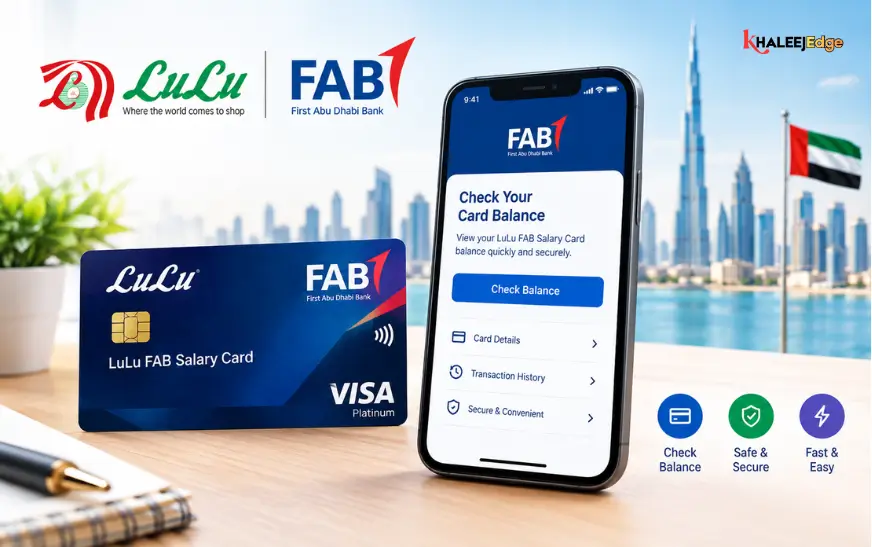
Managing monthly expenses, remittances, and savings in the UAE begins with one essential task: knowing exactly when and how much salary has landed on your card. For hundreds of thousands of workers operating under the UAE’s Wages Protection System (WPS), payroll cards bridge the gap between employer disbursement and unbanked or underbanked financial access.
Among the most common payroll cards issued across the Emirates are those associated with First Abu Dhabi Bank (FAB) and LuLu Exchange. However, because names like FAB Ratibi, LuLu Payroll Card, and Magnati Prepaid Cards are often used interchangeably by workers, knowing which portal, app, or shortcode to use can quickly become confusing.
This in-depth guide walks you through every reliable online method to check your balance, highlights alternative fast-check channels, troubleshoots common portal glitches, and outlines critical security steps to protect your earnings.
Understanding Your Card: FAB Ratibi vs. LuLu Payroll
Before entering card numbers into any web browser or mobile app, identify the exact payment network and card issuer.
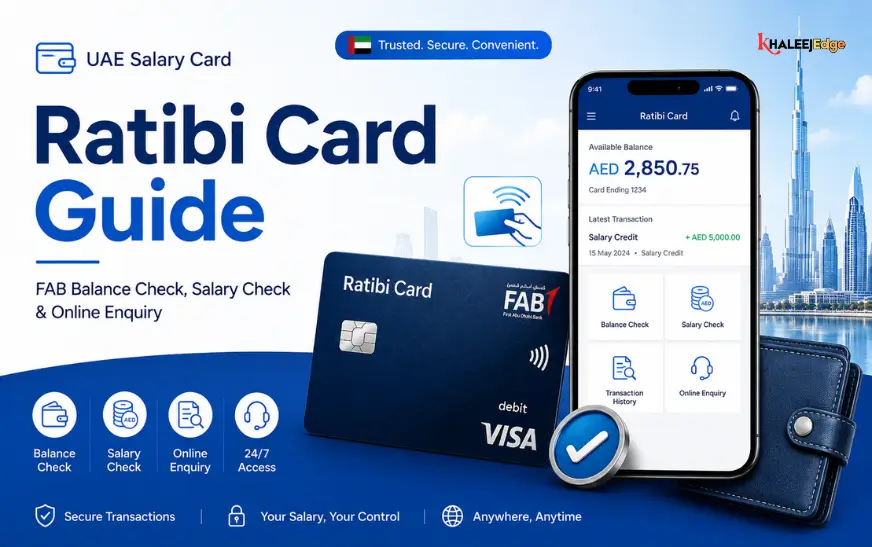
- FAB Ratibi Card (Magnati): Issued directly through First Abu Dhabi Bank’s payment arm, Magnati. These cards carry the FAB logo, a 16-digit card number, a 9-digit Card ID printed on the front or back, and a Visa or Mastercard payment network mark. Employers frequently distribute these cards, and they can be managed directly on FAB’s prepaid inquiry platforms.
- LuLu Exchange Payroll / LuLu Money Card: Distributed via LuLu Exchange branches in corporate partnership with commercial banks or prepaid payment networks. These cards are primarily monitored and managed via the LuLu Money mobile application or partner SMS channels.
- Co-Branded WPS Solutions: Some corporate payroll cards feature both LuLu Exchange branding and FAB/Magnati infrastructure on the reverse side. If your card carries a 9-digit Card ID alongside the FAB/Magnati insignia, it is fully compatible with both the FAB prepaid online balance engine and LuLu customer service channels.
Method 1: Check Balance via the Official FAB / Magnati Online Portal
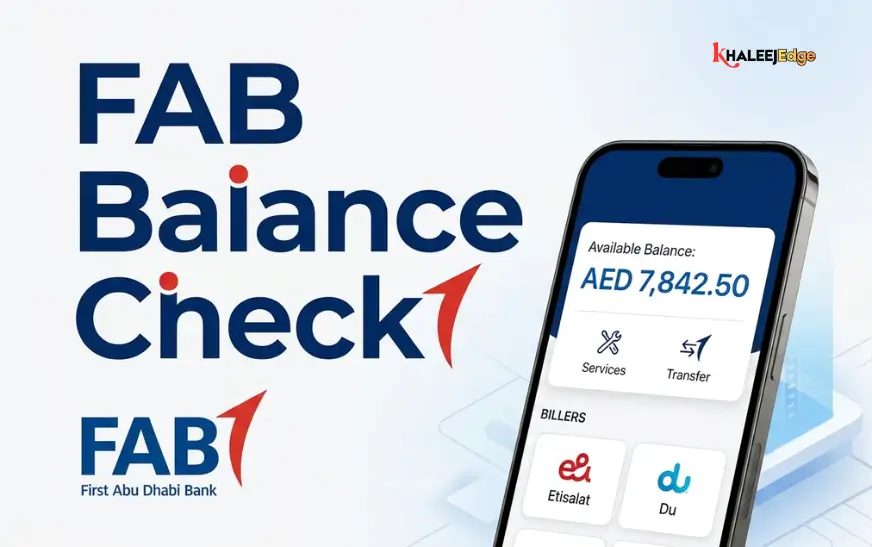
The most direct way to check an active FAB Ratibi salary balance without downloading an app or setting up a username and password is the Magnati / FAB Prepaid Card (PPC) portal. This web-based inquiry tool does not require an online banking login—only the physical card details.
Prerequisites
- Your physical 16-digit salary card.
- Your 9-digit Card ID (usually printed on the bottom-left corner of the card face or directly on the reverse side).
- A web browser on a smartphone, tablet, or desktop connected to secure internet.
Step-by-Step Instructions
- Visit the Official PPC Portal: Open your browser and navigate directly to the official Magnati inquiry page (https://ppc.magnati.com/ppc-inquiry) or via the prepaid portal links on bankfab.com). Avoid third-party aggregators or unofficial links.
- Enter the Required Card Digits: In the first input field, enter the last two digits (or in updated portal interfaces, the last four digits) of your 16-digit card number. Pay close attention to what the on-screen prompt requests.
- Enter the 9-Digit Card ID: Type your unique 9-digit Card ID accurately. This is distinct from your 16-digit card number and acts as an account identifier.
- Solve the Security Verification: Complete the visual CAPTCHA or numeric security code displayed on the screen to prevent automated bot access.
- Click “Submit” or “Next”: Within seconds, your screen will display your available balance in UAE Dirhams (AED) along with a quick overview of recent credits and card debits.
Method 2: Check Balance via the LuLu Money Mobile App
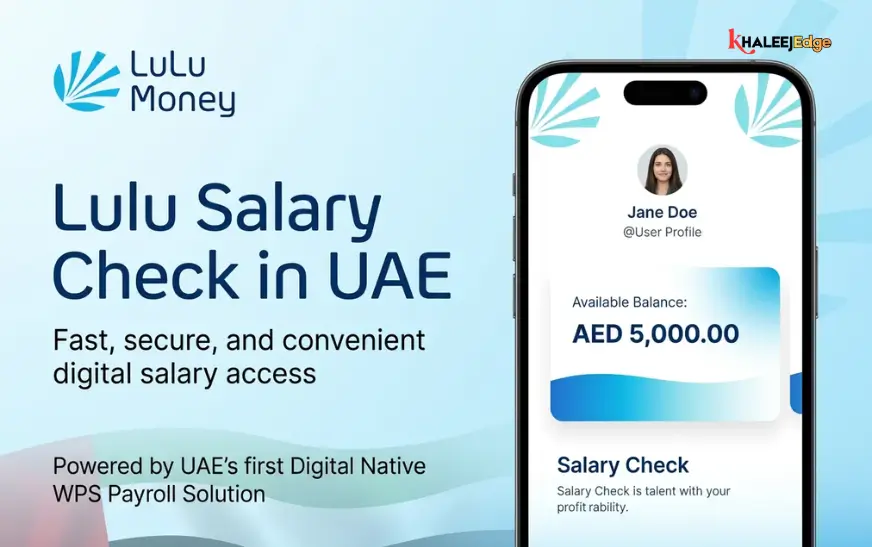
If your company issues payroll directly through LuLu Exchange’s corporate payment suite, or if you frequently remit money home through LuLu Exchange, the LuLu Money App is the most convenient tool for ongoing monitoring.
Step-by-Step Instructions
- Download the App: Install the official LuLu Money app from Google Play Store (Android) or Apple App Store (iOS).
- Register or Sign In: Register using the same UAE mobile number provided to your employer and linked with your Emirates ID during card issuance. Authenticate your device using the One-Time Password (OTP) sent via SMS.
- Navigate to the Cards Section: Once inside the dashboard, tap on “My Cards” or “Salary/Payroll Cards.”
- Link Your Card (First-Time Users): If your payroll card does not link automatically based on your registered Emirates ID, choose “Add Card” and enter the 16-digit number and expiration date.
- View Balance and Transaction Records: Select your card to view your live balance in AED, track incoming salary deposits, and review past deductions or ATM withdrawals.
Key Advantage: The app allows you to initiate direct outward remittances to countries like India, Pakistan, the Philippines, Bangladesh, and Egypt straight from your card balance, saving you a separate trip to a physical exchange branch.
Method 3: Balance Inquiry via the Payit Digital Wallet
Payit is the UAE’s first fully featured digital wallet powered by First Abu Dhabi Bank. It serves as a comprehensive financial dashboard for Ratibi cardholders.
Step-by-Step Instructions
- Download and Open Payit: Get the Payit app from your device’s app store.
- Fast Onboarding via UAE Pass: Sign up or log in using UAE Pass or by scanning your valid Emirates ID.
- Link Your FAB Ratibi Card: Navigate to the wallet management screen, select “Link Card,” and choose “Ratibi / FAB Salary Card.”
- Enter Verification Details: Provide your card number, expiry date, and CVV, then confirm the authorization OTP.
- Instant Dashboard Tracking: Once linked, your salary card balance updates automatically on your Payit home screen.
Through Payit, you can also settle local utility bills (DEWA, SEWA, Etisalat, du), transfer money locally to friends via mobile number, or split bills without holding cash.
Alternative Fast & Offline Balance Check Methods
When you lack an active internet connection or are on the road, you can rely on three fast offline alternatives:
1. SMS Balance Inquiry
- For FAB Ratibi: Send an SMS containing BAL followed by a space and the last four digits of your card (e.g., BAL 1234) to 6667 from your registered UAE mobile number. A reply will confirm your available AED balance. Standard SMS operator rates apply.
- For LuLu Cards: Send BAL followed by your card details to the designated shortcode 51199 (ensure you check your card welcome slip for employer-specific prefixes).
2. Physical ATM Inquiries
- FAB ATMs: Insert your salary card, enter your 4-digit PIN, and choose “Balance Inquiry.” FAB ATMs do not charge any fee for Ratibi inquiries or mini-statements.
- Other UAE Central Bank Switch ATMs: You can check your balance at any non-FAB ATM across the UAE displaying the UAE Switch logo. Keep in mind that non-issuing banks may charge a nominal switch fee (typically AED 1 to AED 2 plus VAT) per balance check.
3. Automated Phone Banking (IVR)
- FAB Ratibi Customer Support: Dial 600 522298. Select your preferred language (Arabic, English, Hindi, or Urdu), select option “1” for Ratibi Card services, and follow the automated prompts to enter your card details and obtain your balance.
- LuLu Exchange Customer Care: Call 600 545858 for support regarding LuLu-branded prepaid cards.
Comparison of Balance Check Methods
| Method | Speed | Internet Required? | Associated Fees | Best Used For |
| Magnati / FAB PPC Portal | Under 1 min | Yes | Completely Free | Instant check without app installation or login |
| LuLu Money App | Instant | Yes | Completely Free | Daily monitoring and direct international remittances |
| Payit Digital Wallet | Instant | Yes | Completely Free | Bill payments, local transfers, and shopping |
| SMS Inquiry (6667 / 51199) | Under 30 sec | No | Standard telecom SMS fee | Situations without mobile data or Wi-Fi |
| FAB ATM | 1–2 mins | No | Free at FAB machines | Cash withdrawals combined with balance checks |
| Customer Care IVR | 2–3 mins | No | Free / standard call rate | Resolving card issues alongside balance checks |
Troubleshooting & Common Portal Errors
If you run into issues while verifying your salary online, review these common causes and resolutions:
1. “Invalid Card ID or Card Number”
- Verify that you did not accidentally enter your 16-digit card number in the 9-digit Card ID field.
- Ensure you only entered the requested digits (last 2 or last 4) in the card number box rather than the entire 16-digit sequence.
2. Salary Delayed or Showing “0.00 AED”
- UAE salaries routed through the Wages Protection System (WPS) require approvals through the Ministry of Human Resources and Emiratisation (MoHRE) and the Central Bank before the issuing bank credits individual cards.
- If your employer processes payroll on a Friday afternoon or before a public holiday (such as Eid or National Day), the funds will typically clear on the next UAE banking business day.
3. “Card Inactive” or “Blocked” Error
- Expired Emirates ID: UAE Central Bank regulations require financial institutions to freeze card facilities if the cardholder’s Emirates ID expires without updated KYC records.
- Resolution: Visit any LuLu Exchange branch or a FAB branch/kiosk with your renewed original Emirates ID to update your profile and immediately unblock your card.
Card Security & Fraud Prevention in the UAE
Salary and payroll cards are prime targets for social engineering and phishing schemes. Protect your earnings by following these safety principles:
- Verify the URL: Only access portals hosted on authenticated domains (bankfab.com, magnati.com, or lulumoney.com). Look for the padlock icon in your browser address bar.
- Guard Your PIN and OTP: No legitimate representative from FAB, LuLu Exchange, the UAE Central Bank, or UAE Police will ever ask you for your card PIN, CVV, or SMS One-Time Password. Never share OTPs over the phone, via WhatsApp, or in response to unverified text messages.
- Beware of “KYC Suspension” SMS Scams: Scammers routinely send bulk messages warning that your “salary card is blocked due to document update issues” and providing an external link. Always update your KYC in person at an official branch or through trusted, verified applications.
- Report Compromised Cards Promptly: If your card is misplaced, stolen, or shows unexpected deductions, immediately block it via the Payit app, LuLu Money app, or by calling FAB Ratibi support at 600 522298.
Frequently Asked Questions (FAQs)
1. Is there any fee to check my FAB salary card balance online?
No. Checking your balance via the Magnati PPC web portal, the Payit wallet, or the LuLu Money app is completely free of charge.
2. Can I check my LuLu FAB salary balance from outside the UAE?
Yes. The Magnati/FAB online PPC portal and the LuLu Money mobile app can be accessed from any country worldwide as long as you have an active internet connection.
3. Where do I find the 9-digit Card ID on my FAB Ratibi card?
The 9-digit Card ID is typically located on the lower-left portion of the front face of the card, or directly above the signature panel on the back.
4. What should I do if my salary does not reflect on the portal on payday?
First, confirm with your company’s HR or payroll department whether the WPS salary file was successfully processed and approved by the bank. If approved, wait 24 to 48 banking hours before raising a dispute.
5. Can I view my last five transactions online?
Yes. The Magnati PPC portal displays a mini-statement showing recent debits and deposits. The LuLu Money and Payit apps provide comprehensive, filterable transaction histories.
6. Why is my balance check failing on the PPC portal?
This usually occurs due to entering the full card number instead of the requested last 2 or 4 digits, mistyping the 9-digit Card ID, or entering an expired CAPTCHA code.
7. Does checking my balance at an ATM cost money?
Checking your balance at any official FAB ATM is free. Using another UAE bank’s ATM through the UAE Switch network typically incurs a fee of AED 1 to AED 2 plus VAT.
8. How do I unblock my card if it is frozen due to an expired Emirates ID?
Take your renewed original Emirates ID to the nearest FAB branch or LuLu Exchange branch. An agent will scan your new identity card to lift the administrative freeze.
9. Can I transfer money directly from my salary card to an overseas bank account?
Yes. Both the LuLu Money app and the Payit app allow cardholders to execute cross-border remittances directly using their available card balance.
10. Can I change my salary card ATM PIN online?
PIN resets cannot be performed via the web portal. You must reset your PIN at a physical FAB ATM, through the Payit/LuLu Money app (if linked and supported), or by visiting an authorized branch with your original Emirates ID.
Related:
NBAD Balance Inquiry UAE | Easy Ways to Check FAB Balance
FAB Balance Check | A Complete Guide for Both FAB Bank & Ratibi Card Users