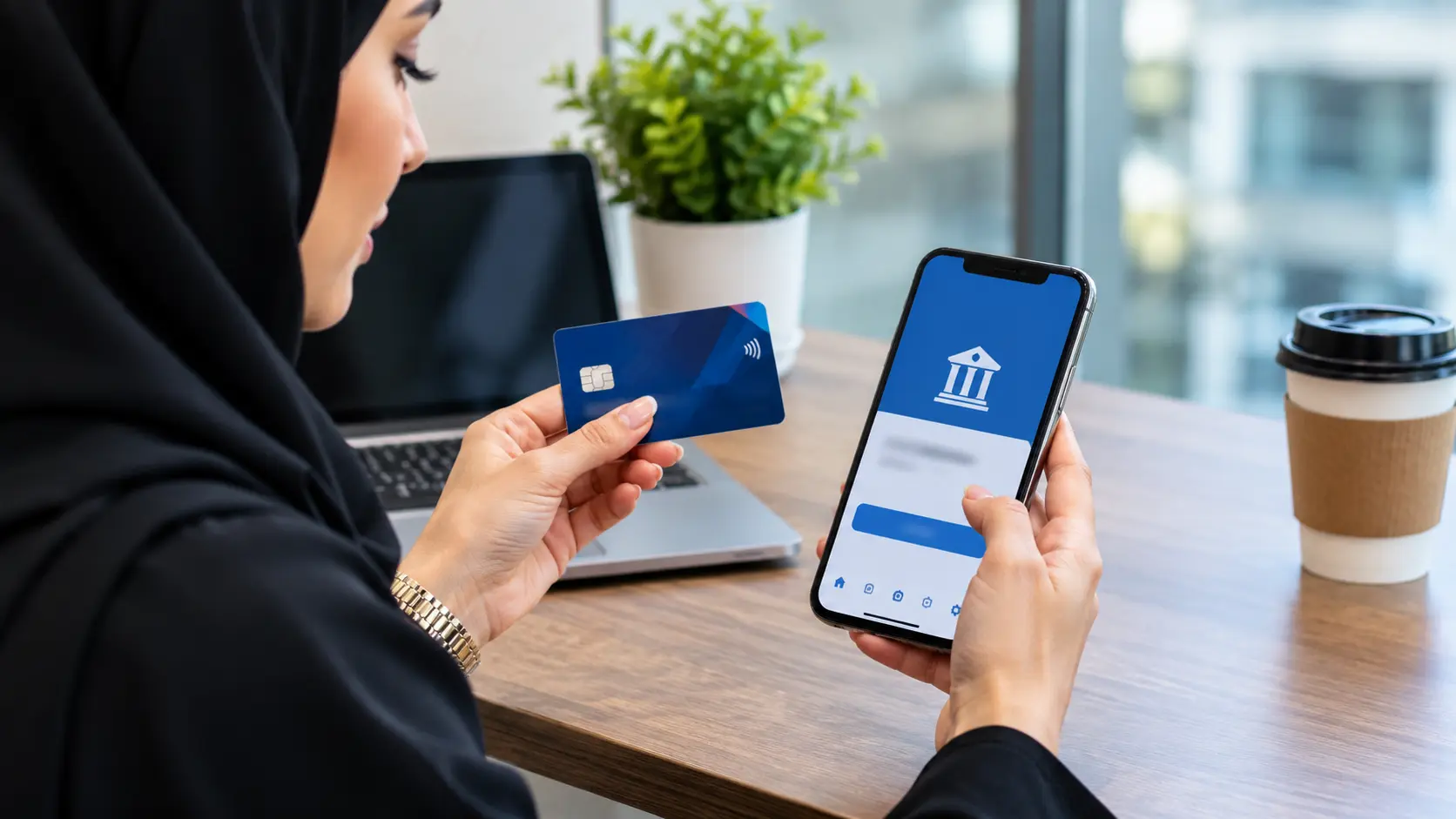
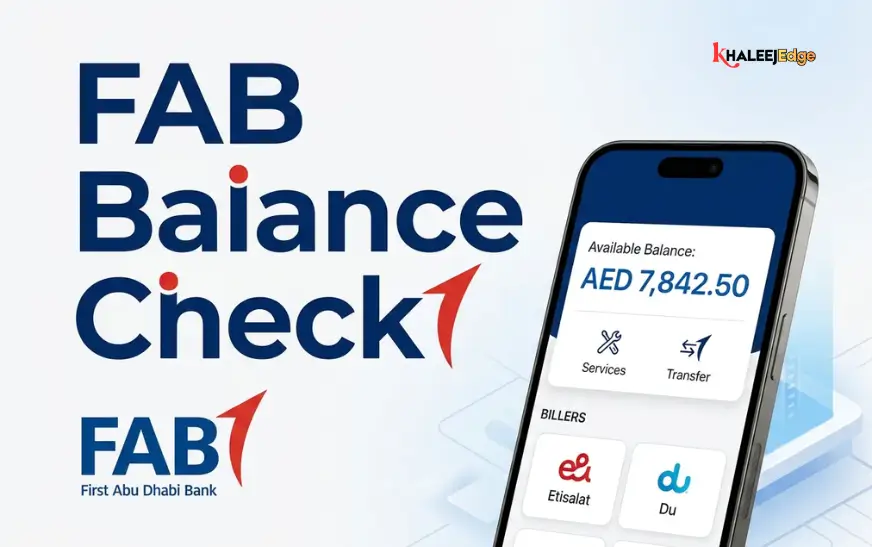
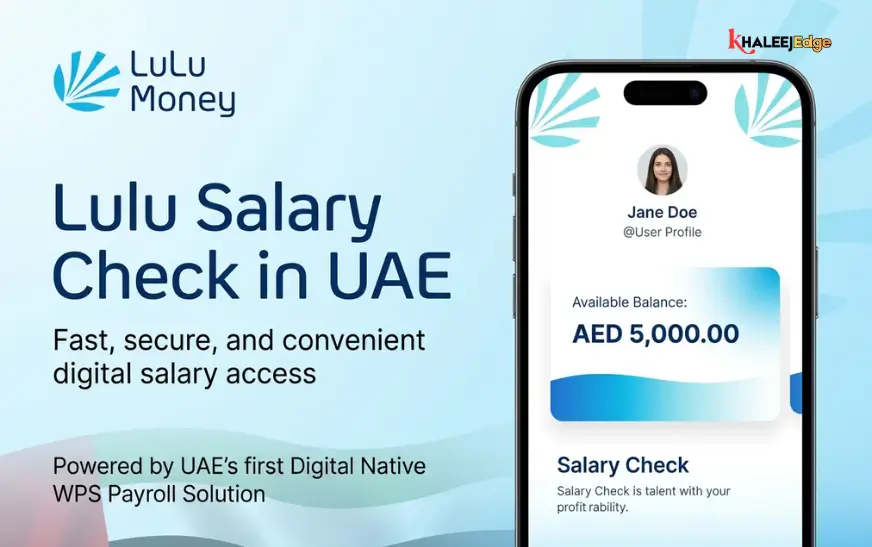
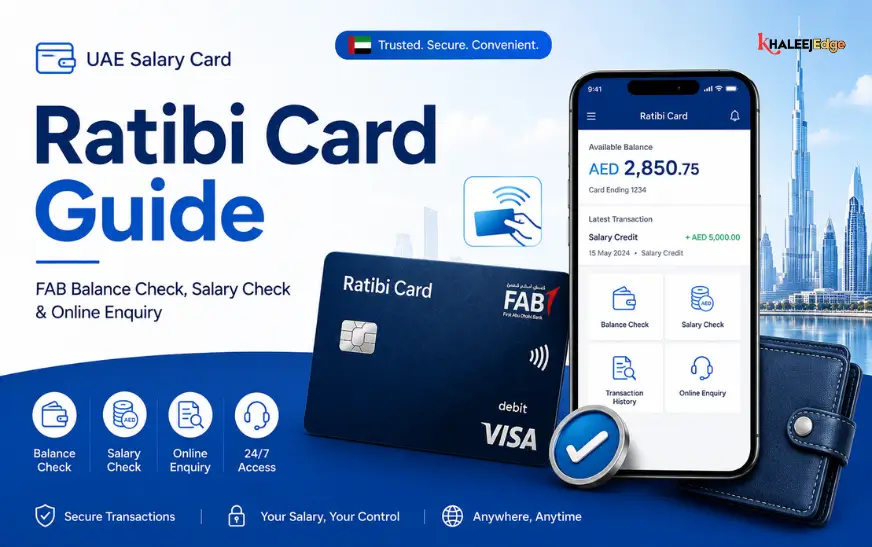
You can do an online balance enquiry in the UAE through your bank’s mobile app or internet banking portal, using the login your bank issued. It takes under a minute, costs nothing at most banks, and works at any hour. The harder part is doing it safely, because the way UAE banks verify customers has changed recently.
This guide covers where to look, how to read the numbers, what to do if something looks wrong, and how to avoid the scams that target people who are simply trying to check their money.
What an Online Balance Enquiry Actually Covers
An online balance enquiry means viewing how much money is in an account, card or wallet without visiting a branch or ATM. Most people mean one of these:
- A current or savings account at a bank
- A credit card’s outstanding balance and available limit
- A prepaid card or digital wallet
- A non-bank balance such as Salik, a Nol card or a mobile plan
The bank account is by far the most common, so most of this article focuses there. Other balances are covered near the end.
Ways to Check Your Bank Balance Online
Mobile Banking App
This is the fastest and, these days, the most secure route. Most UAE banks show your balance on the home screen after you log in with a PIN, fingerprint or face recognition. Some let you glance at a balance before logging in, if you switch that on in settings.
Download the app only from the official App Store or Google Play listing, and check that the publisher name matches your bank.
Internet Banking
Internet banking suits people who want a fuller view: statements, standing orders, beneficiary management and multiple accounts side by side. Type your bank’s address into the browser yourself rather than clicking a link from a message, and look for the padlock and correct domain before entering credentials.
Digital Wallets and Prepaid Cards
Wallet and prepaid card providers usually show balances inside their own apps. The principle is the same: official app, personal login, no sharing of codes. Fees and limits vary by provider, so check the terms in the app.
SMS, Phone and ATM Options
Many banks also offer balance information by SMS alert, automated phone banking or ATM. The exact options, short codes and any charges differ between banks, and some have changed as banks moved to app-based security. Check your bank’s website or the number on the back of your card rather than relying on a number you found in a forum or message.
Comparing the Main Methods
| Method | Needs internet | Best for | Main caution |
| Mobile app | Yes | Daily quick checks | Download only the official app |
| Internet banking | Yes | Statements, detailed review | Type the web address yourself |
| SMS alerts | No (mobile signal) | Passive monitoring | Never reply with personal details |
| ATM | No | When you also need cash | Cover the keypad |
| Phone banking | No | Those who dislike apps | Call only official numbers |
Setting Up Your First Online Balance Check
If you’ve never used digital banking, the process is broadly similar across banks, though screens and labels differ.
- Confirm your mobile number and email are up to date with the bank. Registration usually depends on them.
- Download the official app, or visit the bank’s website directly.
- Choose the registration option and follow the prompts. You’ll typically be asked for your Emirates ID details, account or card information, and to verify your identity.
- Create a login method, such as a PIN, password or biometric.
- Log in and open the accounts or home view to see your balance.
- Turn on transaction notifications so you see activity as it happens.
If registration fails, the usual causes are a mismatch between the phone number the bank holds and the one you’re using, or an expired Emirates ID on file. In both cases the bank can update your details through an official channel.
Why Logging In Looks Different Now
If you remember typing a code from a text message, you’ve probably noticed that is disappearing. The Central Bank of the UAE directed licensed financial institutions to phase out SMS and email one-time passwords for digital banking authentication by March 31, 2026. In practice, online transactions increasingly require biometric or in-app approval rather than an SMS code.
Some of this was already visible earlier. Banks told customers that from January 6, 2026, online card payments would be verified through each bank’s mobile app instead of by text message. The practical effect is that having your bank’s app installed, with notifications enabled, matters more than it used to.
Rollout has not been identical everywhere. Some banks, such as Dubai Islamic Bank, have offered customers a choice between an SMS code and an in-app push notification. Your own bank’s current policy is the authority here, so check its website or app.
There is a security reason behind all this. A code sent by SMS can be intercepted, redirected or talked out of you. Approval inside an app tied to your device and biometrics is much harder to hijack.
Staying Safe While Checking Your Balance
A balance check is low risk in itself. The danger lies in fake apps, fake websites and fake callers. UAE authorities and banks repeat the same core advice, and it’s worth following closely.
- Never share your password, PIN or any OTP: Dubai Police have said an OTP exists for the customer alone, to verify identity during transactions.
- Banks do not ask for these details by phone: Dubai Police have also noted that banks, police and government officials don’t require people to update personal data over the phone.
- Be suspicious of urgency: Scammers commonly claim there is a suspicious transaction, or that your card will be blocked and needs immediate verification. Pressure is the tell.
- Hang up and call back: Use the number printed on your card or one you already trust, never a number supplied by the caller or message.
- Avoid unsecured public Wi-Fi for banking: The UAE Banks Federation advises against accessing mobile banking on unsecured public networks.
- Don’t click links in unexpected messages: even if they use your bank’s name and logo.
If you’ve shared a code or credential, contact your bank immediately through an official channel and ask to block the card or account. Speed matters, because transactions made after a credential handover can be hard to reverse. You can also report the incident to the police.
Checking Other Balances in the UAE
Salik
Salik balance can be checked through the official Salik website, the Smart Salik app or the RTA channels. I found conflicting information online about SMS short codes: some guides gave 5959 and others 5555, and many of the pages were low-quality copies of one another. Confirm the current method on the official Salik or RTA website before publishing or using any code.
Nol Card
Balance checks for Nol cards are normally available through RTA channels, including its app and machines at stations. Verify the current options on the RTA website.
Mobile Prepaid Balance
Your operator’s app is usually the simplest route, and most operators also support short dial codes. Because these differ by operator and change occasionally, check your operator’s official help page.
Reading Your Balance Correctly
Seeing a number is not the same as knowing what you can spend. A few terms trip people up:
- Current (ledger) balance: the total in the account after posted transactions. It may not include pending items.
- Available balance: what you can actually use right now. It accounts for holds, such as a pending card authorisation.
- Credit card outstanding vs. available limit: the first is what you owe, the second is how much more you can spend.
A hotel or car rental deposit is a good example. The money may leave your available balance immediately, while the final charge posts days later. If two figures disagree, the difference is often a pending hold rather than an error.
Common Problems and How to Fix Them
The app won’t let you log in: Update the app, check your connection, and try again. If you changed phones, you may need to re-register the device, since app-based security binds to a specific device.
The balance looks wrong: Check pending transactions and recent standing orders first. If something is genuinely unrecognised, contact the bank straight away.
You didn’t receive a notification: Check that notifications are allowed in your phone settings and that the bank holds your current number.
You’re travelling: Your bank may flag overseas logins or require extra verification. It helps to tell the bank before you go and keep roaming or data access ready.
Frequently Asked Questions
Is it free to check my balance online?
At most banks, viewing your balance in the app or internet banking is free, but terms vary. Check your bank’s fee schedule for any charges tied to SMS or phone services.
Is it safe to check my balance on public Wi-Fi?
It’s best avoided. Use mobile data or a trusted network, and keep your phone’s software up to date.
Why am I no longer getting SMS codes?
Under Central Bank direction, banks have been replacing SMS and email OTPs with in-app and biometric approval. Open your bank’s app to approve actions instead.
Can I check my balance without the internet?
Often yes, through ATMs, phone banking or SMS services, depending on your bank. These are options to confirm with your bank rather than assume.
What should I do if someone asks for my OTP?
Don’t share it. End the call or message, then contact your bank using an official number. A real bank won’t ask for it.
Conclusion
Checking your balance online in the UAE is simple: use your bank’s official app or internet banking, keep notifications on, and learn the difference between current and available balance. The one thing worth treating as non-negotiable is secrecy: your PIN, password and any code stay with you, regardless of who asks or how urgent they sound.
Take two minutes today to check that your bank has your current phone number, install the official app if you haven’t, and switch on transaction alerts. If you found this guide useful, explore our other practical guides on UAE banking and everyday finances.